
La syntaxe pour la rédaction
Feuille de triche pour la rédaction d'articleavec le théme devlab
Syntaxe tera composents et markdow.
Tera composents
Icon
{{<devlab.icon name="github" />}}
{{<devlab.icon name="codeberg" />}}
Cards
Fast setup
Start building your documentation site with Zola.
{% <devlab.card title="Fast setup" href="@/docs/mes-outils/_index.md" content_lang={lang}> %}
Start building your documentation site with Zola.
{% </devlab.card> %}
Callouts
info
Use zola serve while writing.
{% <devlab.callout type="info"> %}
Use `zola serve` while writing.
{% </devlab.callout> %}
warning
Attention:
Les Shortcodes ont été retirés en version de zola 0.23. Zola utilise les composents de 'Tera'. Ces composents
peuvent être utilisés dans vos contenu et aussi dans vos templates..
Erreur
Erreur disque plein.
Conseil
Utilisez zola check
pour détecter les liens obsolette.
Détails
Details cache l'informatin avec une ouverture.
What Zola version do I need?
DevLab Theme requires Zola 0.23.4.
{% <devlab.details summary="What Zola version do I need?"> %}
DevLab Theme requires Zola `0.23.4`.
{% </devlab.details> %}
Etapes
- Install Zola.
- Add the theme.
- Run
zola serve.
{% <devlab.steps> %}
1. Install Zola.
2. Add the theme.
3. Run `zola serve`.
{% </devlab.steps> %}
front matter
+++toml
date = 2026-08-28
updated = 2026-08-31
title = "Diagramme Mermaid"
description = "Un premier test des diagram mermaid"
author = ["Alain Pernelle"]
[taxonomies]
tags = ["test","use"]
[extra]
mermaid = true
+++
Markdown
Quote
This is a quote. New line where the blockquote continues without the > symbol.
Note de bas de page
Markdown est un langage de balisage léger1 créé par John Gruber2, aujourd'hui largement utilisé dans la rédaction3.
Markdown utilise une syntaxe simple pour formater le texte.
John Gruber a créé Markdown en 2004.
De nombreuses plateformes comme GitHub, Stack Overflow et les blogs supportent Markdown.
Markdown Headings (H1–H6)
# H1
## H2
### H3
#### H4
##### H5
###### H6
Rendu
H1
H2
H3
H4
H5
H6
Bold, Italic, and Emphasis
*Italic* or _italic_
**Bold** or __bold__
***Bold and italic*** or ___bold and italic___
Italic or italic Bold or bold Bold and italic or _bold and italic
Ordered and Unordered Lists
Unordered Lists
- Item 1
- Item 2
  - Subitem 1
- Subitem 2- Item 1
- Item 2
- Subitem 1
- Subitem 2
Ordered Lists
1. First item
2. Second item
   1. Subitem 1
2. Subitem 2- First item
- Second item
- Subitem 1
- Subitem 2
Hyperlinks in Markdown
[Link text](URL)
[cette page](http://192.168.1.47:8080/markdowwn-Tricheur-page.html)Embedding Images
Attention utilisation de underscore dans le nom de fichier semble proscrit dans mdbook.

<img src="/images/perso/Balade/1.jpg" alt="Description" width="600" height="300">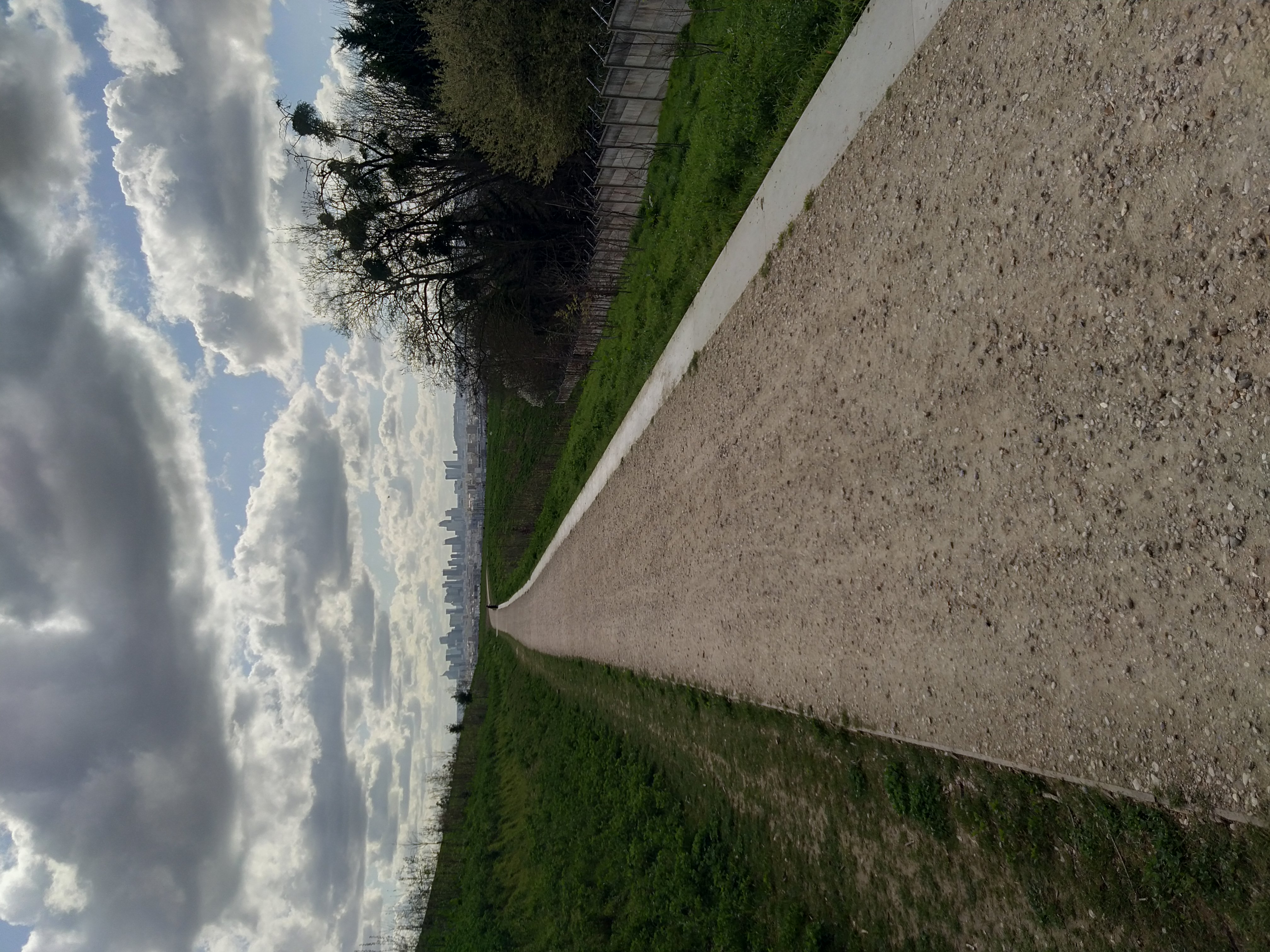
Blockquotes and Nested Quotes
> This is a blockquote.This is a blockquote.
Inline Code and Fenced Code Blocks
You can add inline code by wrapping it in backticks (` ). For code blocks, use triple backticks (``` ) before and after the code.
```python python def hello_world(): print("Hello, World!") ```
python def hello_world(): print("Hello, World!")Horizontal Rules (Dividers)
Horizontal rules are created using three or more dashes (—), asterisks (***), or underscores (___).
---Tables
Tables in Markdown are created using pipes (|) and hyphens (-).
Example
| Header 1 | Header 2 |
|----------|----------|
| Cell 1   | Cell 2   |
| Cell 3   | Cell 4   |
Example
| Header 1 | Header 2 |
|---|---|
| Cell 1 | Cell 2 |
| Cell 3 | Cell 4 |
Task Lists (Checkboxes)
Task lists are a special type of list that allows you to create checkboxes.
Example
- [x] Completed task
- [ ] Incomplete task
Example
- Completed task
- Incomplete task
Strikethrough Text
Strikethrough text is created using double tildes (~~).
~~This is strikethrough text.~~This is strikethrough text.
Text Highlighting
Highlighting text is not natively supported in Markdown, but some renderers support it using the == syntax.
==This is highlighted text.====This is highlighted text.==
Subscripts and Superscripts
Subscripts are created using a caret (^) before the text, and superscripts are created using a tilde (~) before the text.
H~2~O is water.
E = mc^2
H~2~O is water. E = mc^2
Math Equations (LaTeX Syntax)
Math equations can be added using LaTeX syntax within dollar signs ($).
$$ E = mc^2 $$$$ E = mc^2 $$
Math Equations (mathjax)
inline
\\( \int x dx = \frac{x^2}{2} + C \\)
\( \int x dx = \frac{x^2}{2} + C \)
blok
\\[ \mu = \frac{1}{N} \sum_{i=0} x_i \\]\[ \mu = \frac{1}{N} \sum_{i=0} x_i \]
Escaping Special Characters
To escape special characters, use a backslash ().
Example
\*Italic\* or \_italic\_*Italic* or _italic_